
Table of Contents
In today’s competitive event landscape, delivering valuable content is no longer enough. Whether you’re hosting a virtual webinar, a hybrid conference, a corporate seminar, or an in-person workshop, attendees expect interactive experiences that keep them engaged from start to finish. Passive presentations often result in lower participation, reduced knowledge retention, and fewer networking opportunities. On the other hand, events that encourage audience interaction create memorable experiences, increase attendee satisfaction, and improve overall event success.
Fortunately, modern audience engagement tools make it easier than ever to transform traditional presentations into dynamic, interactive experiences. From live polls and quizzes to networking features and Q&A sessions, these platforms help speakers connect with attendees in meaningful ways.
In this guide, we’ll explore ten of the best audience engagement tools that can help level up your events, along with tips for choosing the right one for your needs.
1. Slido
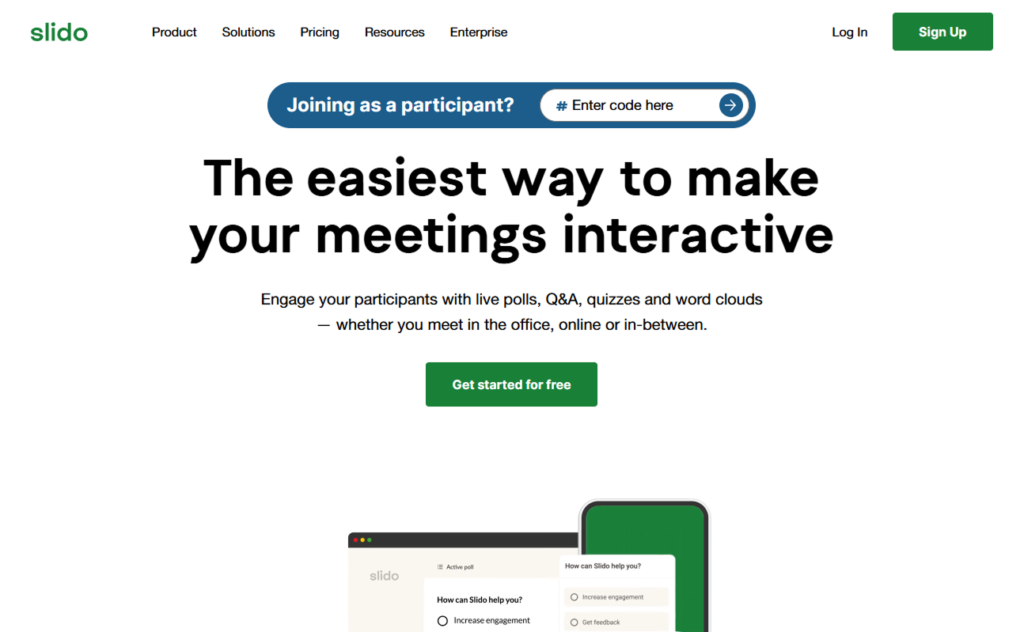
Slido has become one of the most popular audience engagement platforms for conferences, webinars, and corporate meetings. It allows attendees to participate in live Q&A sessions, answer polls, take quizzes, and provide instant feedback using their smartphones or laptops.
One of Slido’s standout features is its upvoting system, which allows audience members to vote on questions they find most relevant. This helps presenters address the topics that matter most while keeping discussions organized.
Key Features
- Live Q&A sessions
- Interactive polls
- Quizzes
- Audience feedback collection
- Integration with Zoom, Microsoft Teams, Google Slides, and PowerPoint
Best For
- Corporate events
- Conferences
- Webinars
- Executive town halls
Pros
- Easy to use
- Excellent integrations
- Real-time audience participation
- Professional interface
Cons
- Advanced features require paid plans
- Some participant limits on lower-tier subscriptions
2. Mentimeter
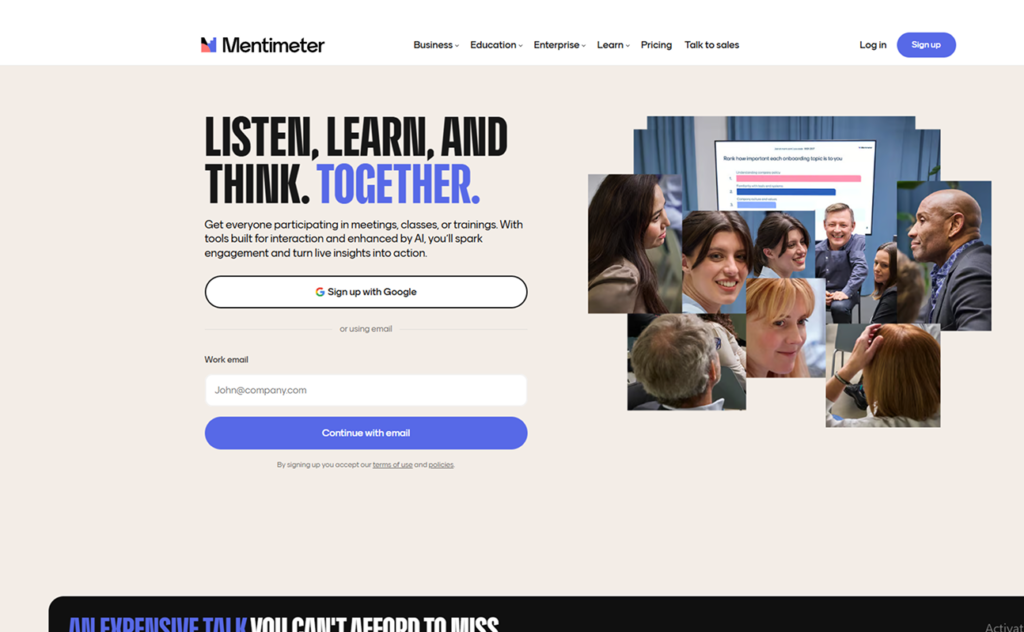
Mentimeter transforms ordinary presentations into interactive experiences by allowing audiences to respond instantly through their mobile devices. Instead of simply listening to a speaker, attendees become active participants.
The platform supports various interactive elements, including polls, quizzes, word clouds, scales, ranking questions, and open-ended responses. The results appear instantly on the presentation screen, encouraging discussion and participation.
Key Features
- Live polls
- Word clouds
- Interactive quizzes
- Surveys
- Audience Q&A
Best For
- Educational seminars
- Business presentations
- Workshops
- Team meetings
Pros
- Visually appealing
- Easy participation
- Excellent for brainstorming
- Great presentation templates
Cons
- Limited free plan
- Some customization restrictions
3. Kahoot!
Kahoot! is one of the most recognized names in interactive learning and gamification. Originally designed for classrooms, it has evolved into a valuable engagement tool for businesses, conferences, and training sessions.
Instead of traditional surveys, Kahoot! uses competitive quizzes with timers, leaderboards, and points that motivate attendees to participate enthusiastically.
Key Features
- Gamified quizzes
- Live competitions
- Leaderboards
- Team mode
- Interactive learning games
Best For
- Employee training
- Educational events
- Product launches
- Team-building sessions
Pros
- Highly engaging
- Fun user experience
- Encourages participation
- Easy setup
Cons
- Less suitable for formal conferences
- Limited advanced polling features
4. Poll Everywhere
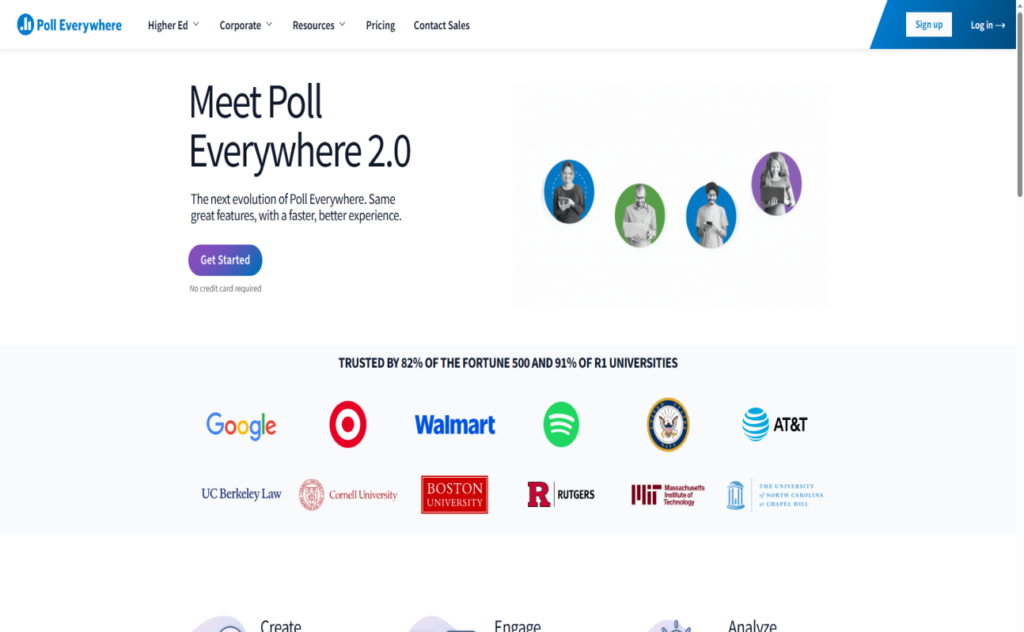
Poll Everywhere enables presenters to collect audience responses in real time through smartphones, laptops, or tablets. Participants can answer polls, ask questions, respond to surveys, and even interact with clickable images.
The platform integrates directly into presentation software, allowing presenters to display live audience responses without switching applications.
Key Features
- Live polling
- Surveys
- Q&A
- Clickable image questions
- PowerPoint integration
Best For
- Corporate meetings
- Educational institutions
- Conferences
- Workshops
Pros
- Seamless presentation integration
- Multiple response formats
- Reliable performance
- Strong reporting tools
Cons
- Premium plans can be expensive
- Learning curve for advanced features
5. AhaSlides
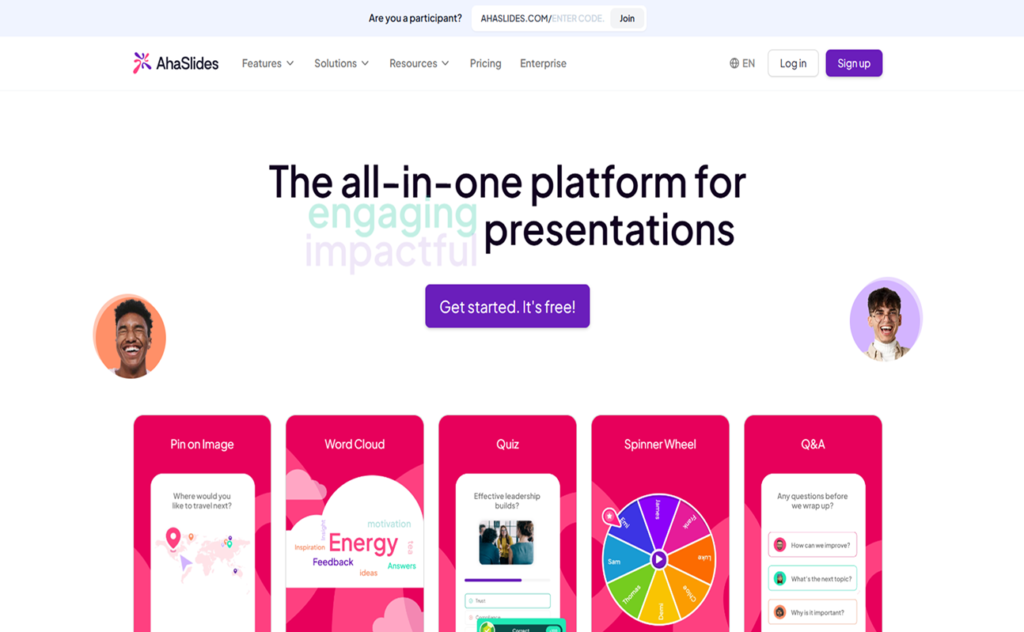
AhaSlides combines presentation software with audience interaction features. Instead of relying on multiple tools, presenters can create slides that include quizzes, polls, brainstorming activities, and Q&A sessions.
Its collaborative approach makes it especially useful for workshops and employee training sessions where audience input is essential.
Key Features
- Interactive presentations
- Live quizzes
- Polls
- Brainstorming activities
- Q&A
Best For
- Workshops
- Training programs
- Educational events
- Small conferences
Pros
- Affordable pricing
- Interactive templates
- Easy collaboration
- User-friendly interface
Cons
- Smaller ecosystem than competitors
- Limited enterprise features
6. Vevox
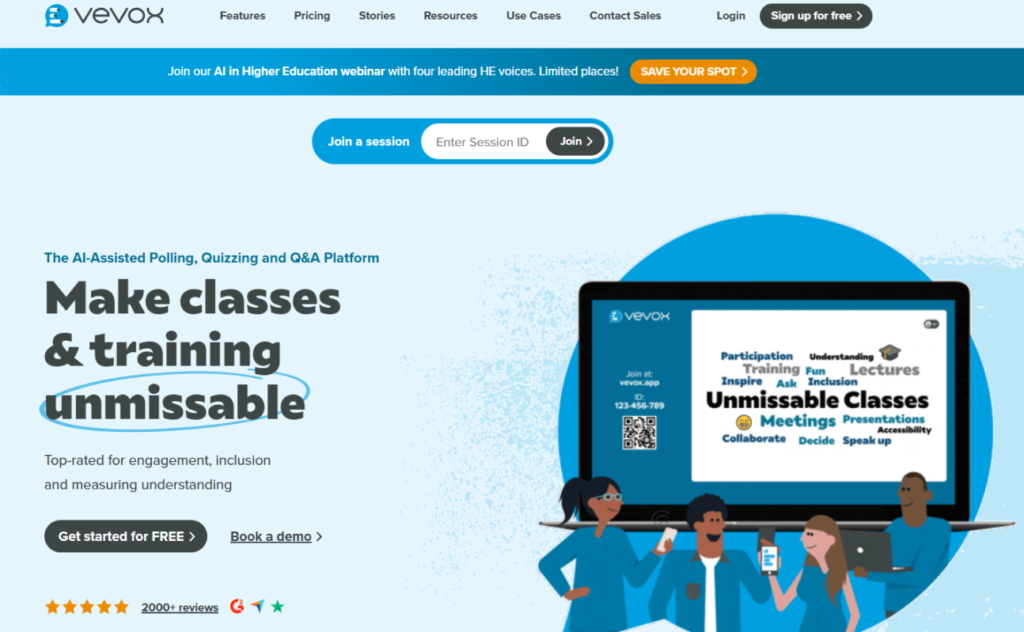
Vevox is designed primarily for businesses and educational institutions seeking secure, enterprise-grade audience engagement. It offers anonymous Q&A sessions, live polling, surveys, quizzes, and detailed analytics.
Its strong integration with Microsoft Teams makes it a preferred solution for organizations already using Microsoft’s productivity suite.
Key Features
- Anonymous Q&A
- Live polling
- Surveys
- Quizzes
- Microsoft Teams integration
Best For
- Corporate organizations
- Universities
- Internal meetings
- Employee engagement
Pros
- Enterprise security
- Strong analytics
- Anonymous participation
- Excellent Teams integration
Cons
- Premium pricing
- Best suited for enterprise users
7. Pigeonhole Live
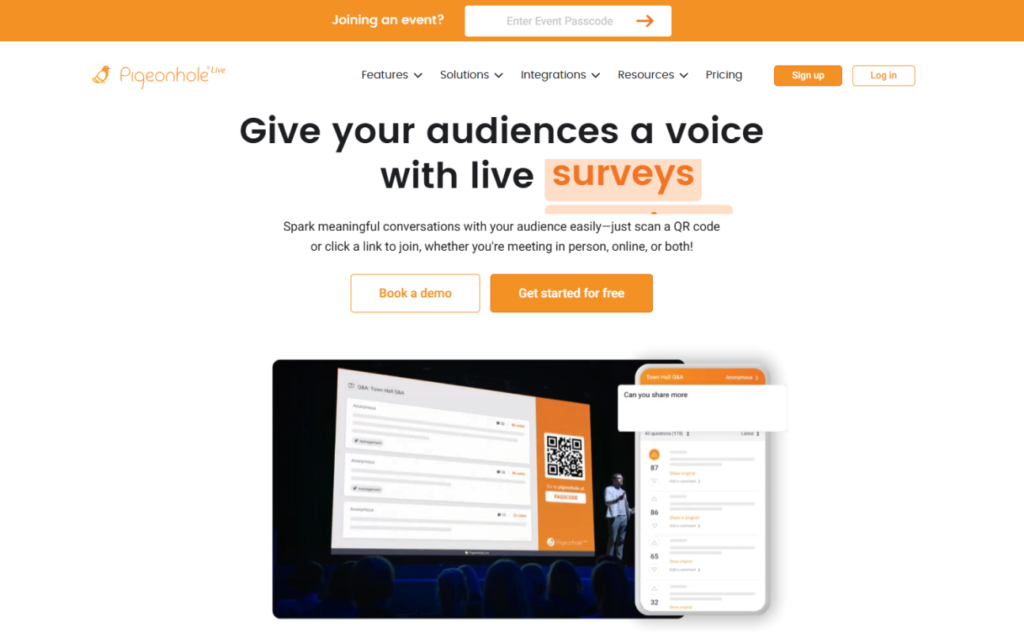
Pigeonhole Live is built specifically for conferences and large-scale events. It provides a centralized platform for managing live Q&A sessions, polls, surveys, quizzes, and attendee interactions.
Its moderation tools allow organizers to filter questions before they appear publicly, making it suitable for professional conferences and executive events.
Key Features
- Live Q&A
- Polling
- Surveys
- Event agenda
- Question moderation
Best For
- Conferences
- Corporate summits
- Hybrid events
- Industry forums
Pros
- Powerful moderation
- Easy audience interaction
- Professional interface
- Suitable for large audiences
Cons
- Premium features require higher plans
- More complex than basic polling tools
8. Hopin
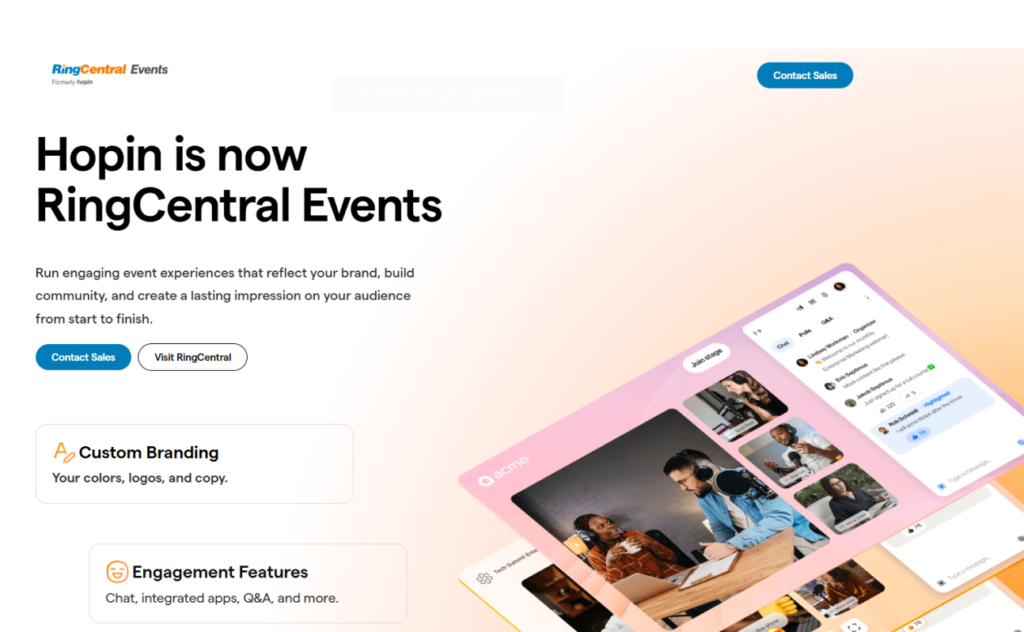
Hopin is a complete virtual and hybrid event platform rather than just an audience engagement tool. Along with interactive features, it includes event registration, networking, expo booths, breakout sessions, live streaming, and sponsor management.
Its networking capabilities allow attendees to connect with one another, making virtual events feel more personal and interactive.
Key Features
- Live streaming
- Breakout rooms
- Networking
- Virtual expo booths
- Chat and Q&A
Best For
- Virtual conferences
- Hybrid events
- Trade shows
- Networking events
Pros
- All-in-one platform
- Excellent networking tools
- Scalable
- Professional event management
Cons
- Higher pricing
- May include more features than smaller events require
9. Zoom Events
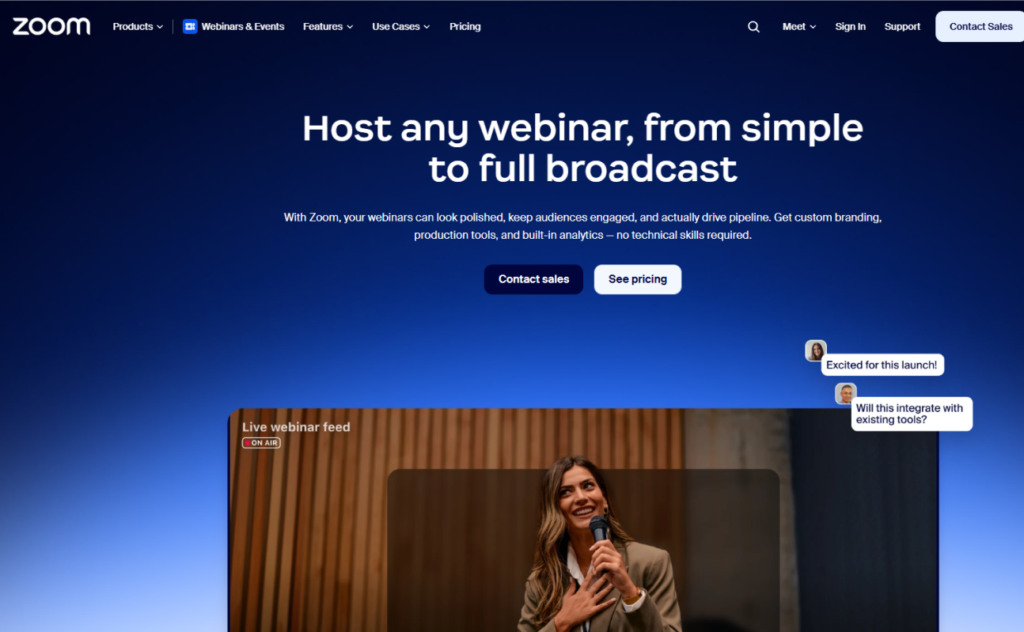
Zoom Events extends the familiar Zoom experience by offering event registration, multi-session conferences, webinars, networking, breakout rooms, and audience engagement features.
Since many attendees are already familiar with Zoom, the platform reduces the learning curve and improves participation rates.
Key Features
- Webinars
- Breakout rooms
- Live Q&A
- Chat
- Event registration
Best For
- Online conferences
- Virtual workshops
- Product launches
- Business webinars
Pros
- Familiar interface
- Reliable performance
- Strong webinar capabilities
- Scalable for large audiences
Cons
- Requires Zoom ecosystem
- Some advanced event features cost extra
10. Whova
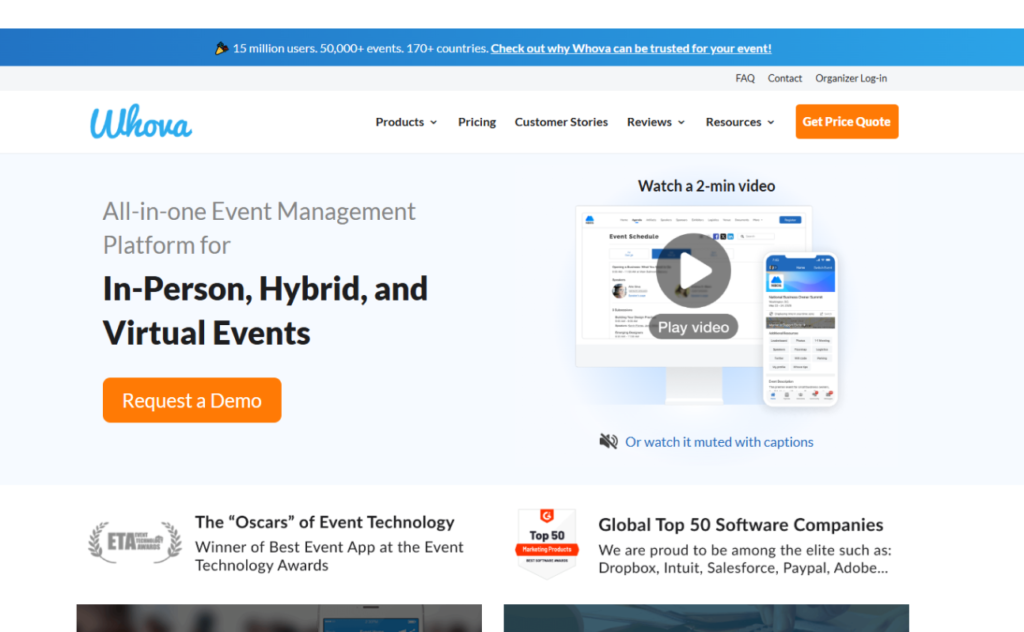
Whova combines event management with audience engagement in a single platform. Beyond live polls and Q&A sessions, it offers networking, discussion forums, attendee matchmaking, digital agendas, sponsor engagement, and gamification.
Many conference organizers use Whova to encourage interaction before, during, and after events, creating an ongoing community experience rather than a one-day interaction.
Key Features
- Networking
- Discussion boards
- Live polling
- Event agendas
- Gamification
- Sponsor engagement
Best For
- Conferences
- Association events
- Trade shows
- Corporate gatherings
Pros
- Comprehensive feature set
- Excellent networking
- Strong attendee engagement
- Event management capabilities
Cons
- May be excessive for small events
- Premium pricing
How to Choose the Right Audience Engagement Tool
Not every event requires the same type of engagement platform. Consider the following factors before making your decision.
1. Event Format
Determine whether your event is virtual, hybrid, or in person. Some platforms specialize in online events, while others work better for physical conferences.
2. Audience Size
Ensure the platform can comfortably support your expected number of participants without performance issues.
3. Interactive Features
Choose a solution that offers the features your event needs, such as:
- Live polls
- Q&A sessions
- Quizzes
- Surveys
- Networking
- Breakout rooms
- Gamification
4. Integration
If you’re already using platforms like Zoom, Microsoft Teams, PowerPoint, or Google Slides, look for engagement tools that integrate seamlessly.
5. Ease of Use
The simpler the platform is for attendees, the higher your participation rates will be. Complicated login processes or confusing interfaces can discourage engagement.
6. Analytics
Post-event analytics help organizers understand attendee behavior, identify successful sessions, and improve future events.
7. Budget
Many platforms offer free versions with limited features, while premium plans unlock advanced functionality. Compare pricing against your event goals and expected attendance.
Tips for Maximizing Audience Engagement
Even the best engagement software cannot guarantee an interactive event without thoughtful planning. Here are a few best practices:
- Start your event with a quick poll or icebreaker to encourage early participation.
- Schedule Q&A sessions throughout the event instead of saving all questions for the end.
- Use quizzes and gamification to reinforce key messages and keep energy levels high.
- Encourage networking through discussion boards, breakout rooms, or attendee matchmaking.
- Keep polls and surveys short and relevant to avoid participant fatigue.
- Share poll results in real time to spark conversation and provide immediate feedback.
- Review event analytics afterward to understand what resonated with your audience and refine future events.
Conclusion
Audience engagement is no longer a “nice-to-have”—it’s an essential ingredient for successful events. Whether you’re hosting a small workshop, a company town hall, or a large international conference, the right engagement platform can significantly enhance attendee participation, foster meaningful interaction, and create lasting impressions.
Tools like Slido, Mentimeter, Kahoot!, Poll Everywhere, AhaSlides, Vevox, Pigeonhole Live, Hopin, Zoom Events, and Whova each bring unique strengths to the table. Some excel at live polling and Q&A, while others provide comprehensive event management and networking capabilities.
The best choice ultimately depends on your event format, audience size, budget, and engagement goals. By selecting a platform that aligns with your objectives and incorporating interactive elements throughout your sessions, you can create events that are not only informative but also memorable, collaborative, and impactful.